
My first weekend with the Garmin Striker 4, I trusted every arch on the screen and came home empty more often than not. The unit wasn't lying. I just didn't know what I was looking at. I was reading a school of bait, a thermocline, and a hard rock bottom, and calling all of it fish.
Here's the honest version. A fish finder doesn't mark fish so you can cast at the dot. It shows you where the water is different, and the fish sit around the difference. Until the gain and frequency are set so the picture tells the truth, the screen is just a pretty noise. Once I set mine the right way and learned what the bottom line was telling me, the Striker 4 became the most used tool on the boat. Here's the setup I run now, in the order I run it. For anyone about to run one for the first time, the picture is worth explaining once. The screen is a sideways view of the water under the boat, drawn as it scrolls past. The surface line runs across the top and the bottom line runs beneath it, and everything between them is the column the beam is reading. New owners read that middle band like a fish tank. It's not. It's an X-ray of the water, and like an X-ray, you have to learn what the shadows mean.
Set up the Striker 4 in this order and you'll be reading bottom before your first afternoon is done
If you don't have a Striker 4 on the bow yet, this is the fish finder I point everyone to. Simple sonar, GPS waypoints, and a screen that rewards the setup below.
Amazon Check Today's Price on Amazon →Step 1: Level the transducer, then practice over water you already know
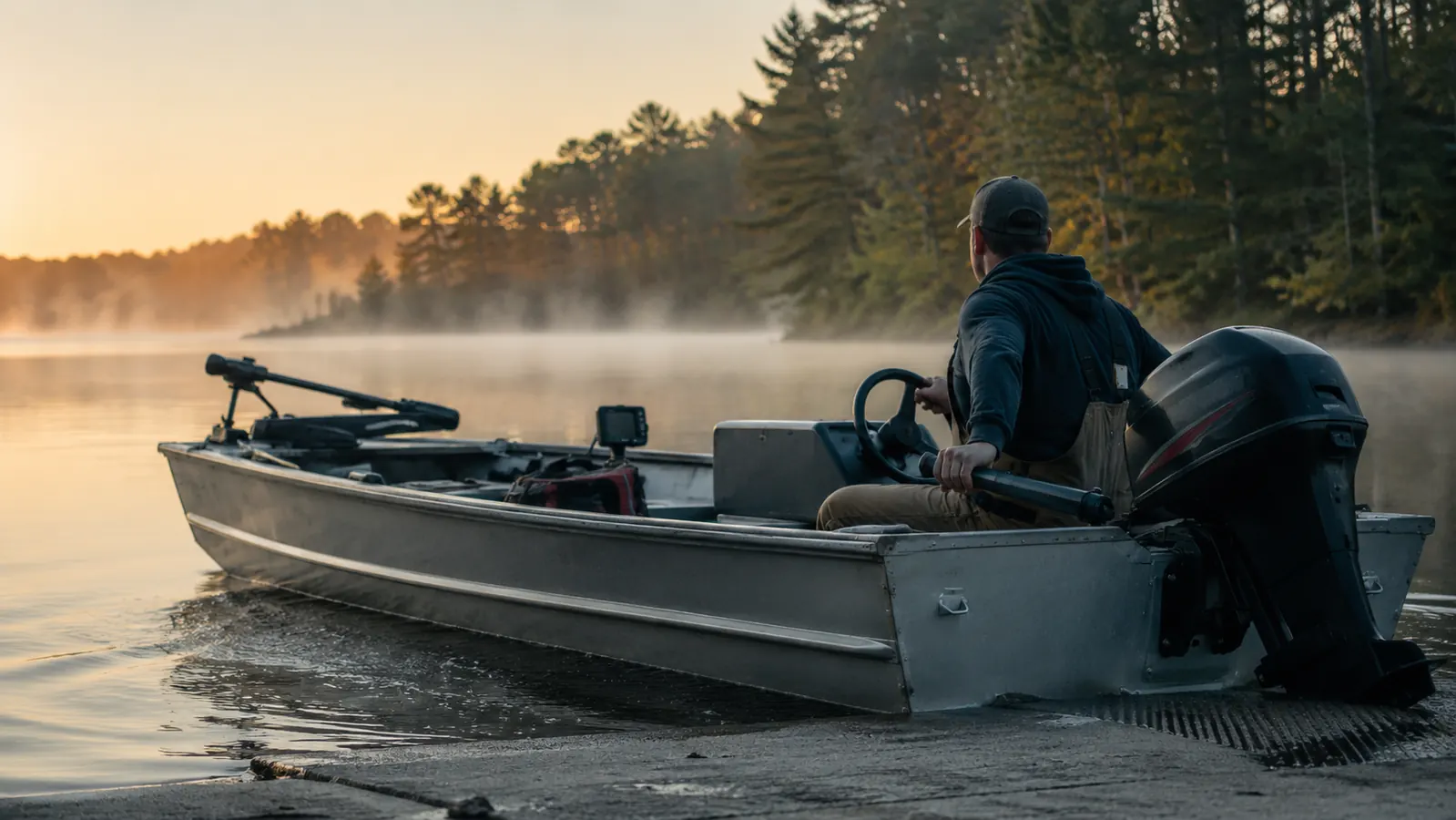
A tilted transducer will lie to you all day, so mounting comes before reading. If the transom mount is cocked even a few degrees, the bottom reads deep on one side of the boat and shallow on the other, and no amount of gain fixes it. I run mine just outside the center strake, level with the hull bottom, and I check it every spring before the first launch.
Then don't learn on hard water. The worst place to figure out your screen is the middle of a 40-foot reservoir thick with brush and bait. I started on a stretch of my lake I know by heart, 8 to 12 feet of flat sand, and I ran back and forth until the screen matched the ground I could see with my own eyes. That baseline matters more than any other step. Once you know what 10 feet of clean bottom looks like on your settings, everything else on the screen is a difference from it.
One more mount check before you launch. With the boat on plane, watch the screen for a moment. If the bottom line stutters or drops out every time the hull slams a wake, the transducer is venting, tucked up into turbulent water. Drop it a half inch lower on the bracket so it runs in clean flow, and the read goes steady for the rest of the day.
Step 2: Set the gain before you trust a single mark
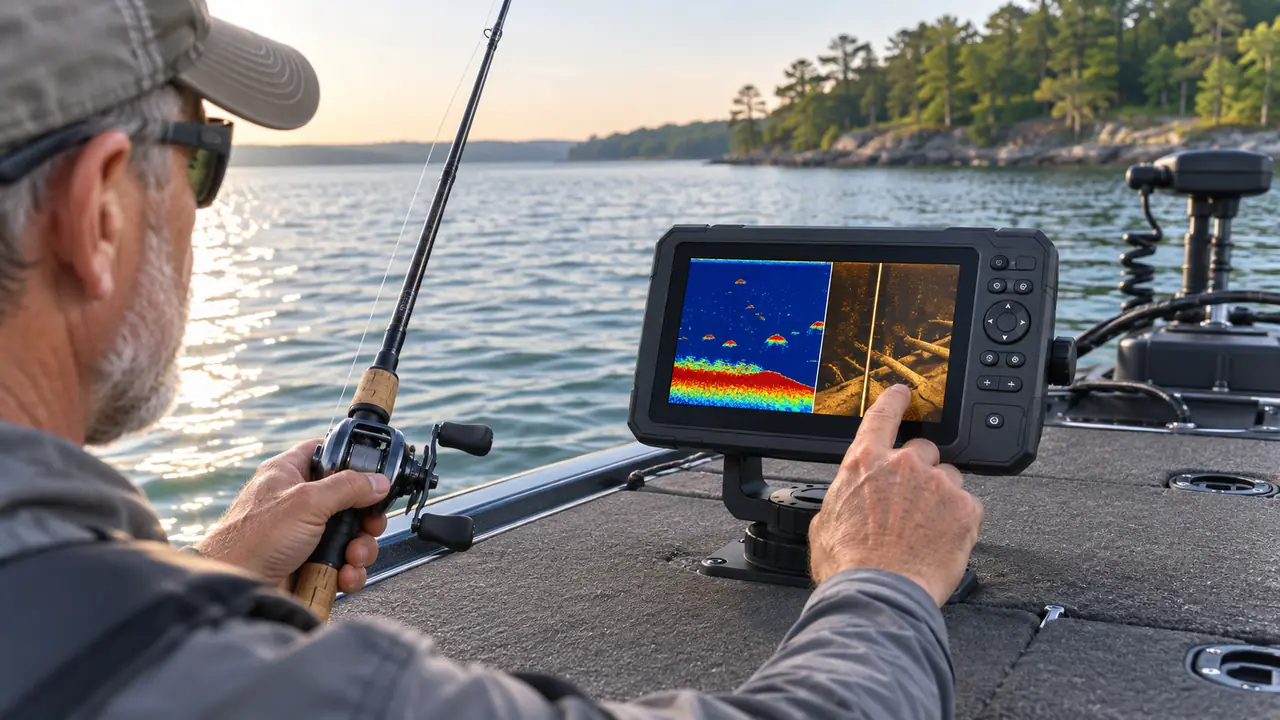
Gain is how much of the returning sound the screen shows, and it is what most new owners get backwards. Crank it up and the display fills with speckle, and every fleck looks like a fish. Turn it down and you blank the fish out of the picture. My target is the highest gain that doesn't show noise.
Start the same way every trip. Let auto gain settle for a minute over the flat bottom from Step 1, then switch to manual and trim from there. My rule is simple: back the gain down until the speckle between the surface and the bottom goes quiet, but the bottom line stays bright and solid. Write down the number it lands on. It changes with weather and water, and on my unit it sits around 60 percent for most calm mornings.
A word on clutter, because not all of it is noise. A faint horizontal band running across the middle of the column is usually the thermocline, a layer of temperature change, and on my lake it sits around 14 feet by midsummer. Fish will stack right above it when the surface water gets hot, so don't tune it out completely. Learn what it looks like and it becomes a depth marker instead of a distraction.
Frequency comes next. The Striker 4 runs CHIRP across two frequencies, 77 kHz and 200 kHz. The short version: 77 sends a wide beam that covers more water, and 200 sends a narrow beam with finer detail. For bottom reading and structure I stay on 200. For scouting a wide stretch of lake I drop to 77 and look for anything that reads different from the flat.
Step 3: Read the bottom, because that's where the answer lives
Most of the fish I boat are within a few feet of the bottom or of something sitting on it. So the bottom line on the screen is the most honest thing it will show you. Hard sand or rock returns as a thin, bright, solid line. Mud returns thick and faint, and often shows a soft second echo underneath it. The shape of that line is information, not a glitch.
Weeds read gray and fuzzy, climbing off the bottom in a soft haze, and a line dotted with spikes and feathering means grass, a rock heap, or a toppled tree. I don't anchor on structure like that. I fish the edges, because the ambush spots sit where the cover meets the open.
And here's the read most new owners get wrong: the fish under your own boat. The transducer beam is a cone, and it tilts back behind the boat as you move, so a fish directly beneath you can sit in a dead zone the beam never touches. It only shows when you're nearly past it, which is why marks run off the side of the screen as you pass. If your screen is empty in a known hole, you might be sitting on the fish, staring at the dead zone.
The second echo is worth knowing too, because it fools a lot of people. A soft, muddy bottom passes part of the signal through, and the screen shows a faded copy of the bottom line beneath the real one. New owners see it and think they've found a second ledge or a big suspended fish. It's neither. It's just soft bottom talking back. If the lake bed reads mud, I keep moving until the line turns bright and thin, because hard bottom holds more of what I'm after.
The fish right under your boat can be invisible on the screen, and that dead zone is the read most new owners get wrong.
Step 4: Tell a fish from bait, and both from noise
Fish show as arches, and they arch because the cone sees them coming, passes over them, and sees them going. A fish hugging the bottom reads as a half arch, a bump on the bottom line. Suspended marks high in the column are usually bait, sometimes crappie or bass holding off a point. Real fish marks hold their shape across several screen refreshes.
Bait is the one worth learning first, because a bait ball draws what you're after. If you see a tight cluster of fine specks moving together like a cloud, expect heavier marks at its edges. When I'm unsure about a cluster, I flip back to 200 kHz. The narrow beam sharpens the return, and a bloom of bait that looked like one heavy mark separates into specks.
Big fish read as bigger arches, but only in proportion. A fat arch that holds its width across several refreshes is worth slowing down for. A thin, tall arch that fades in a single pass is usually a smaller fish or a straggler from the bait school. And a mark that stays pegged to the same depth while the boat moves is a fish holding in place, which is a spot worth logging even if you don't connect on that pass.
And don't chase the screen. A mark on the right edge of the display is already behind you, because the newest returns are drawn at the right as you move. I use the read to understand a stretch of water, not to cast at a dot that's now past the transom. The fish you can see are the fish you just covered.
Step 5: Save the waypoint, then fish the fringe
The Striker 4 has GPS, and that's the reason I wouldn't swap it for a cheaper depth-only unit. When the screen shows something worth remembering, a hard bottom bump, the edge of a weed flat, a tree that slumped into 18 feet of water, I hold the mark key and save it. The Garmin drops it on the display and it's waiting there on every trip after.
But I don't anchor on the mark. I back off and work the edges, drifting across the spot a few times to learn how it looks on my settings. That matters more than the waypoint itself: next month, when the same shape shows up in an unfamiliar arm of the lake, I recognize it before I ever drop an anchor. Over a season, those waypoints are a map of the lake the surface never shows you.
Name the waypoints while they're fresh. The Striker 4 lets you edit a saved point, and I rename mine the evening of the trip: weed flat north, brush pile 18, break off the point. A screen full of saved points without names is a screen full of guesses by August, and half the value of marking a spot is remembering why you marked it.
And don't idle over a mark and expect the fish to wait. You've just run a boat over their heads. I make the first pass, save the waypoint, circle wide, and come back on the drift. The fish I keep off logged breaks are the ones I approached slow, not the ones I idled over.
What Else Helps
The Striker 4 has a flasher mode, and for how I jig, it earns its place. The flasher draws the bottom as a solid band on the edge of the dial, with your jig as a thin mark dropping through the water. When a fish closes in, the two marks tighten together and the return gets heavier right before the bite. I run it whenever I'm vertically jigging a point, and it turns a screen I have to parse into a read I can follow by feel.
Shade the screen and slow down. Direct sun washes the 3.5-inch display out flat, and a washed-out screen pushes you to raise the gain, which brings the clutter back. I tilt the mount so the bow rail shades it through midday and I run the backlight above the factory default. And keep the boat steady while you read. A lurching ride turns clean returns into a scribble, and then you're right back to guessing.
Two small things I learned the hard way. The Garmin's GPS takes a minute to lock satellites in the morning, so turn it on while you're still tying rods at the ramp, not when you're already over your first spot. And keep a microfiber cloth in the tackle tray. A water-spotted screen in low sun is harder to read than a low gain, and the cloth fixes more misreads than any setting on the unit.
Set it up this way once, and read the lake all season
The Garmin Striker 4 has sat on my bow for three seasons, and these are the only settings I touch. If you're still choosing between it and a cheaper depth-only box, the GPS waypoints are where I'd put the difference every time.
Amazon Check Today's Price on Amazon →